
Etiquette
SemVer 2.0
feat, fix, and breaking commits bump the version. The forge can reject a messy push.
Rabun Git
Self-hosted Git over SSH. Conventional Commits and SemVer 2.0 by default.
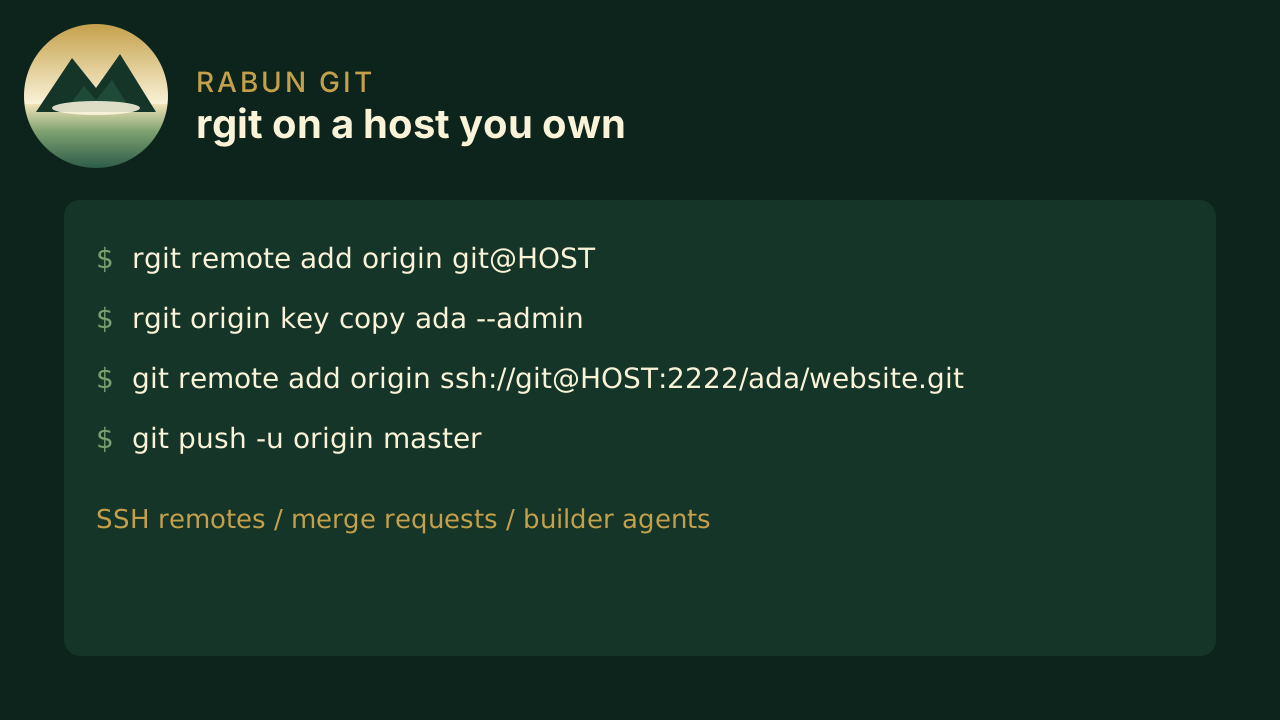
Host bare repositories on a machine you administer. Clone and push with git. Manage users, keys, merge requests, builders, and releases with rgit. Rgit Web is optional. So is rgit view.
Install a Linux archive, or build from source.
Etiquette
feat, fix, and breaking commits bump the version. The forge can reject a messy push.
Remote
Bare repos on port 2222. Clone and push with ordinary git.
Review
Open, review, and fast-forward merge from the CLI.
CI
Shell steps on push, tag, and request. Linux, macOS, and Windows from one file.
Browser
Optional GitHub-style UI. Browse, blame, and review — or bring your own.
The forge
Users, keys, and roles stay with you. Etiquette is on by default.
People
Create logins, attach SSH keys, grant read, write, or admin.
History
Branches, clones, and tags work like any SSH remote.
Versions
Keep Conventional Commits and SemVer, or switch the gates off.
Builders
A builder polls over SSH, runs the job, writes the log back.
Builders
One runs-on list, one run per label. Each agent polls the forge, clones that commit, and runs the steps.
Linux
No linux builder registered? The job runs on the forge host.macOS
Register a Mac builder and keep the agent polling.Windows
Same poll loop. Steps default to PowerShell.If you already use git, you already know the workflow.